 Guides
Guides
12 guides synced from Scribe · checked Oct 28, 2026
-
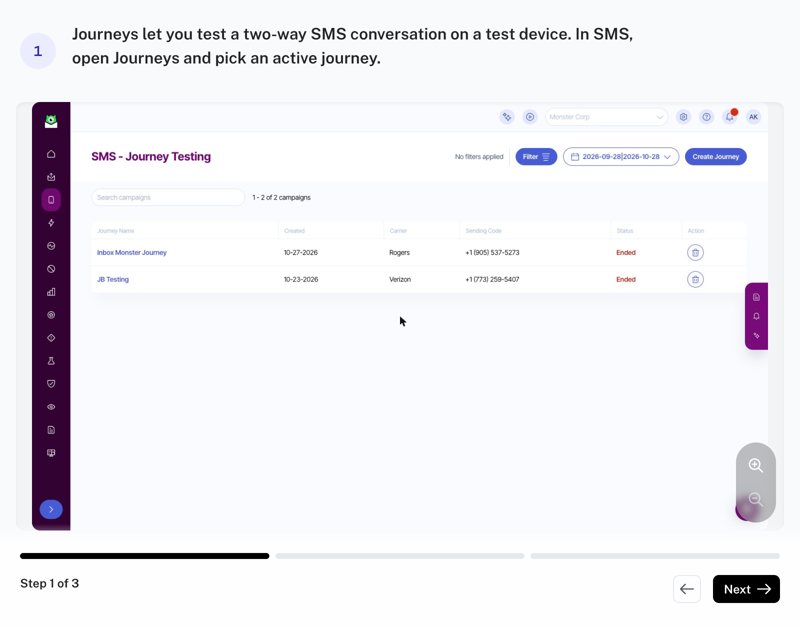
SMS Journeys: Quick Tour
InternalWhen to use: showing an SMS Suite client how Journeys work, or a refresher. Open a journey, see the conversation on the device, and send a reply. Internal only: please don't forward to clients.
3 steps · Anna Kotlikov · Updated Oct 28, 2026
-
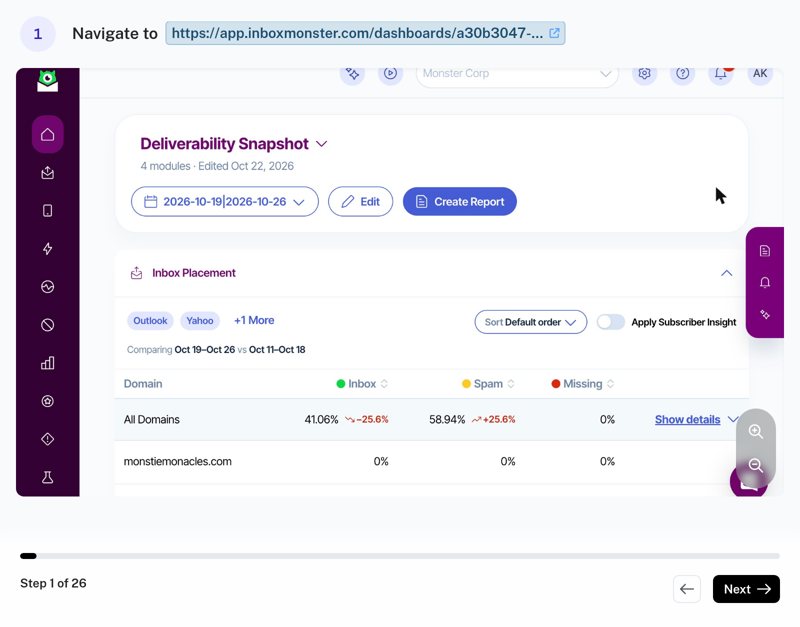
Creative Rendering 1: Settings and Setup
InternalWhen to use: setting up a client's Creative Rendering account, or answering a settings question. Every setting plus users, child accounts and integrations, with tips on what each one does for the client. Monster Corp has everything turned on and most client accounts don't, so check what the client has first. Internal only: please don't forward to clients.
26 steps · Anna Kotlikov · Updated Oct 28, 2026
-
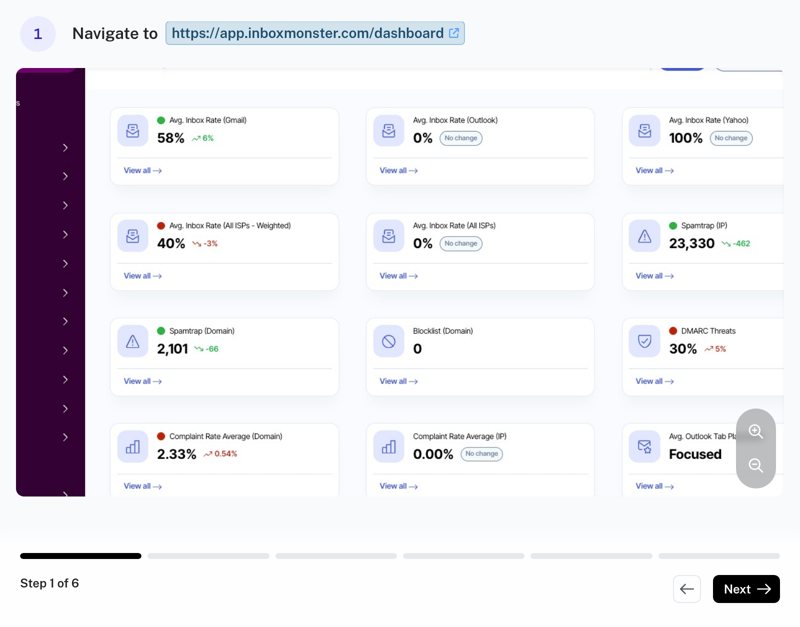
How to Copy Your DMARC Settings in Inbox Monster
Learn how to quickly access and copy your unique DMARC settings from your Inbox Monster dashboard. This guide simplifies the process of configuring your authentication records to improve email deliverability.
6 steps · Kevin Gallant · Updated Oct 23, 2026
-
Updating Trial Details in Salesforce Opportunity Records
Learn how to manage and update trial specific information directly within your Salesforce opportunity records. This guide provides a clear walkthrough for inputting start dates, end dates, and detailed notes to ensure your CRM data remains accurate.
11 steps · Kevin Gallant · Updated Sep 29, 2026
-
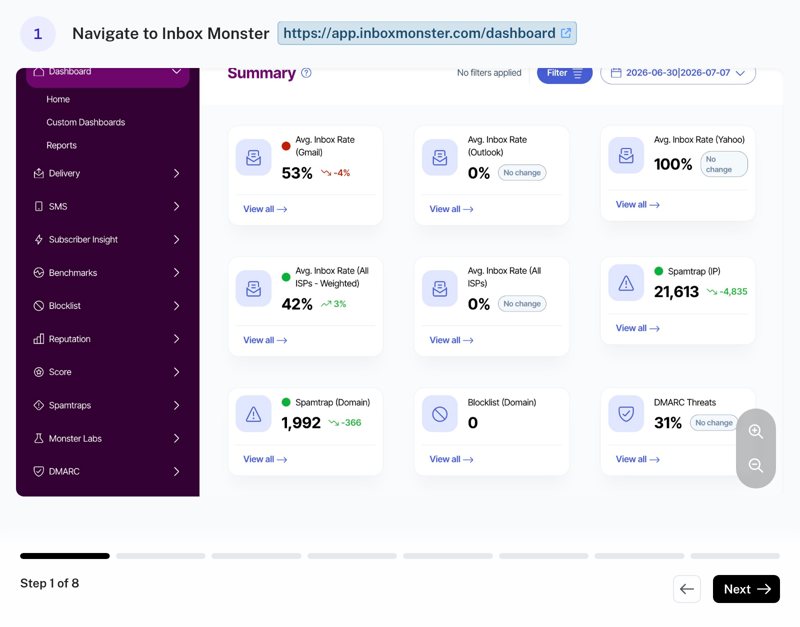
How To Add A New User In InboxMonster
Follow this guide to manage your team access by adding new members to your InboxMonster account. You will learn the quick steps to input user details and assign administrative permissions for your dashboard.
8 steps · Kevin Gallant · Updated Sep 11, 2026
-
How To Adjust Your SNDS Key and Updating Inbox Monster
This guide demonstrates how to retrieve your automated daily data export URL from Microsoft SNDS and integrate it into your Streamline setup. Follow these steps to ensure your data flows seamlessly between platforms for improved reporting and monitoring.
9 steps · Kevin Gallant · Updated Sep 1, 2026
-
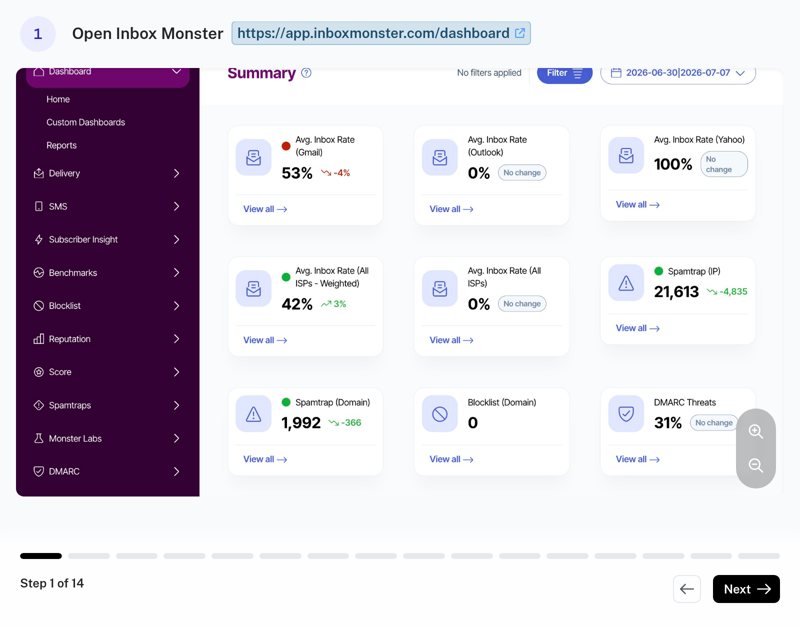
How to Download Your InboxMonster Email Seedlist
Follow this guide to quickly access and download your organization's email seedlist via the InboxMonster dashboard. This integration allows you to easily export your list for improved testing and deliverability monitoring.
14 steps · Kevin Gallant · Updated Jul 17, 2026
-
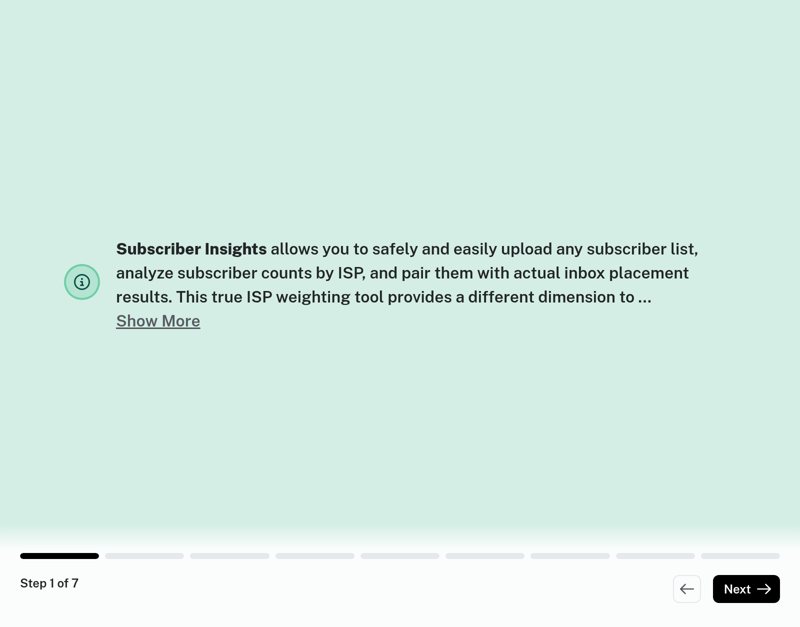
How To Upload Subscriber Lists In InboxMonster
Learn how to efficiently manage your audience by uploading new subscriber lists directly into the InboxMonster platform. This guide simplifies the import process, ensuring your data is ready for analysis and campaign management.
7 steps · Kevin Gallant · Updated Jul 8, 2026
-
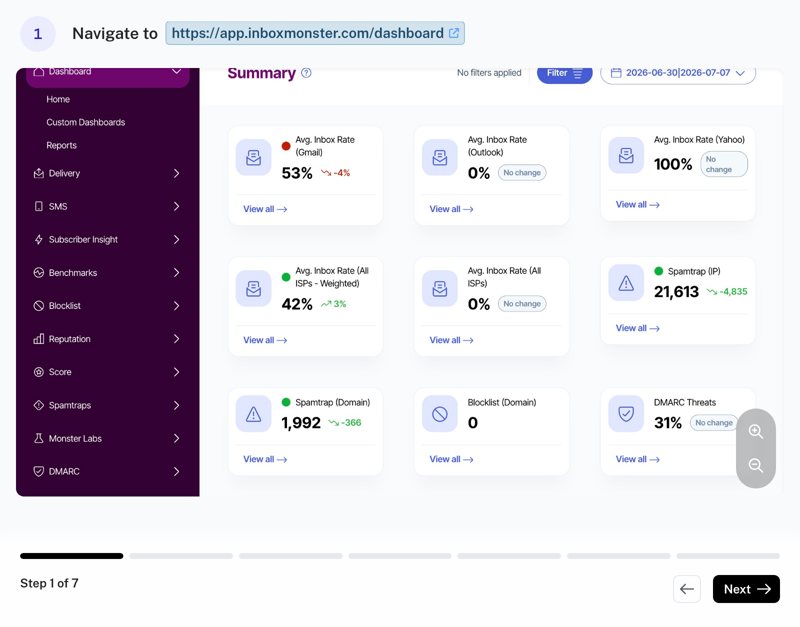
Configuring Email Delivery Integrations In Inbox Monster
Learn how to connect your email monitoring accounts to the Inbox Monster dashboard. This guide provides step-by-step instructions for integrating Google Postmaster and Outlook SNDS to streamline your deliverability tracking.
7 steps · Kevin Gallant · Updated Jul 7, 2026
-
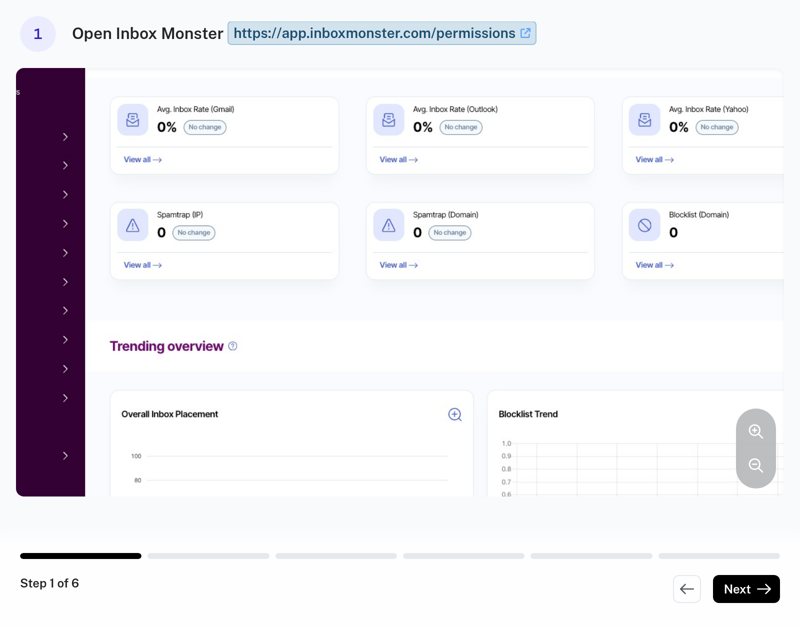
How to Add a New Domain in Inbox Monster
Learn how to quickly register and label your email domains within the Inbox Monster platform. This guide helps you organize your tracking and monitoring efforts by ensuring all your domains are correctly added to your account settings.
6 steps · Kevin Gallant · Updated Jul 7, 2026
-
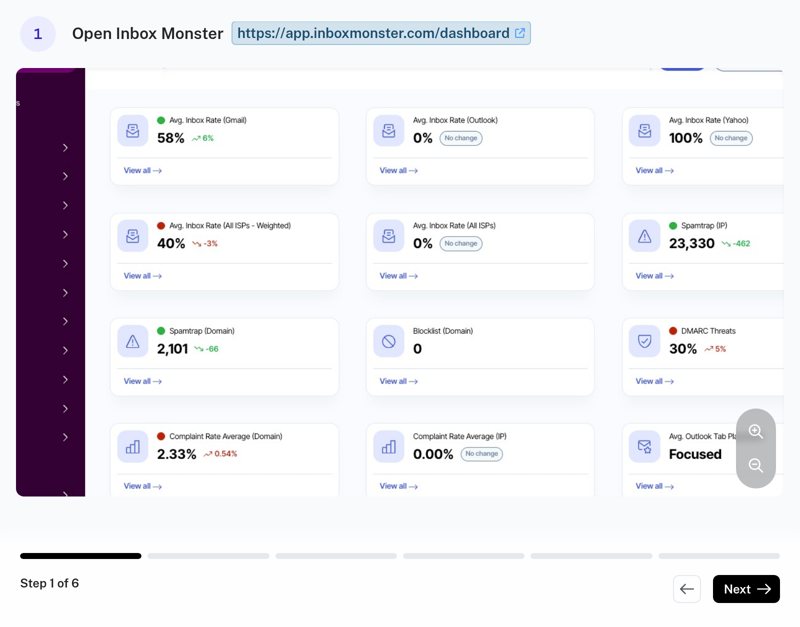
How to Add a New IP Address in Inbox Monster
Learn how to efficiently register a new IP address to your Inbox Monster dashboard. This guide provides a quick workflow to ensure your IP infrastructure is correctly categorized and integrated for better tracking.
6 steps · Kevin Gallant · Updated Jul 7, 2026
-
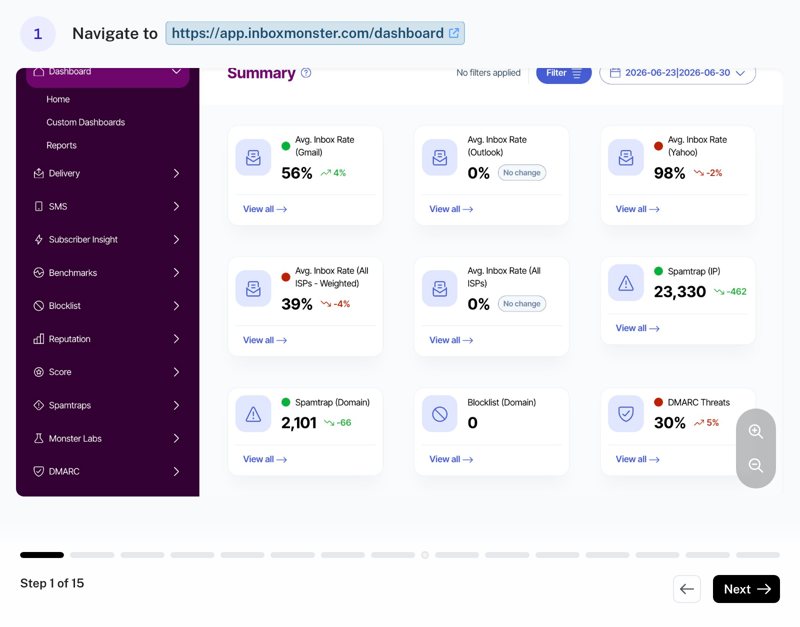
Managing Inbox Monster Notifications and Creating Customized Alerts
Learn how to configure your notification preferences and monitor blocklist status within the Inbox Monster dashboard. This guide simplifies the navigation process to help you maintain better deliverability and stay informed about spamtrap hits.
15 steps · Kevin Gallant · Updated Jul 7, 2026
No guides match your search.